Think about the last time you typed a password without pausing to remember it. That reflex is what keeps credential attacks working. Nobody needs to break encryption when they can guess a pattern, pull a leaked list, or find the same password sitting on forty other sites. What has changed in recent years is speed: a leaked email-and-password pair gets tested against hundreds of services within hours, not weeks. Most account takeovers that trace back to a login involve no clever hacking at all. They involve habits that feel convenient and cost very little to fix.
Reuse Turns One Breach Into a Dozen
Password reuse is the habit that converts a minor incident into a serious one. A forum you registered on years ago, a fitness app, a store that no longer exists: any of them can leak your email and password. Attackers feed those pairs into automated tools that try them against banks, email providers, retailers, and corporate VPNs. The first few hundred attempts take seconds.
This means your security is only as strong as the weakest site that has ever stored your password, and that site is probably one you have forgotten about. A long, complex password does not save you here. Strength does not matter if the same string is sitting in a database somewhere else.
A useful exercise: name the three accounts you would least want someone else to reach. For most people that list starts with their primary email, because it can reset almost everything else, followed by banking or payment accounts and a work login. Those three get unique passwords first, today, before anything else on the list.
Patterns That Feel Clever and Break Fast
Cracking tools are not dictionaries anymore. They are rule engines that generate millions of variations built around how people think. If your password follows a familiar shape, it is already covered. The usual offenders:
- Word plus digits: Summer2025, Welcome123, Company2024!
- Keyboard walks: qwerty, 1qaz2wsx, asdfgh
- Letter substitutions: P@ssw0rd, Adm1n, L3tm3in
- Personal details: a pet's name, a child's birthday, a sports team plus a year
- Anything you have seen in a film, a song lyric, or a popular book
Length beats symbol soup. A four-word phrase like copper-mango-tide-lantern is both easier to recall and far harder to guess than a nine-character scramble with a capital letter and an exclamation mark. If a site demands numbers and symbols, add them to the phrase rather than shrinking it.
One more trap: rotating a single character at the end when a site forces a reset. Spring2025! becoming Summer2025! keeps a reused password in circulation and creates a pattern an attacker can predict if they see two of your old passwords side by side.
Shared Logins: Convenient, Then Painful
Shared credentials show up everywhere: a household streaming plan, a small business's social media account, a generic info@ mailbox two people monitor. The problem is not sharing itself. It is that shared passwords spread through chat threads and sticky notes, nobody owns them, and rotation happens only after someone leaves on bad terms.
Where separate accounts are possible, create them. Most platforms now support multiple users, delegated access, or role-based permissions. When a single login is unavoidable, store it in a shared vault inside your password manager rather than pasting it into a message, and rotate it whenever someone with access moves on. A password that three people know and nobody tracks is a password you no longer control.
What Passkeys Fix, and What They Don't
A passkey replaces the password with a cryptographic key pair. The private half stays on your device, protected by your fingerprint, face, or a PIN. Nothing gets typed into a login box, so there is no code for a fake page to steal. That last point matters most: passkeys are resistant to phishing in a way that one-time codes sent by text message are not.
They are not a complete answer. Not every site supports them yet. You still need recovery options in case a device is lost, and you should keep a backup method enabled rather than relying on a single phone. Before deleting a password, confirm you can sign in with the passkey on every device you actually use, and check that a second device or a hardware key is registered as a fallback.
Setting Up a Password Manager Without the Chaos
The fastest way to stop reusing passwords is to stop remembering them. A manager generates a unique string for every site and fills it in for you. Here is a sequence that avoids overwhelm:
- Pick one manager and commit to it. A dedicated app is ideal; the built-in one in your browser is a reasonable starting point if you are not ready to switch.
- Secure the vault with a passphrase you can type from memory. Make it long and personal. Write it down on paper and store that paper somewhere physically safe, not in a note on your phone.
- Work through your priority accounts first. Email, banking, work, and anything holding payment details.
- Let the manager generate everything else. Sixteen characters or more, unique per site. You never need to read them.
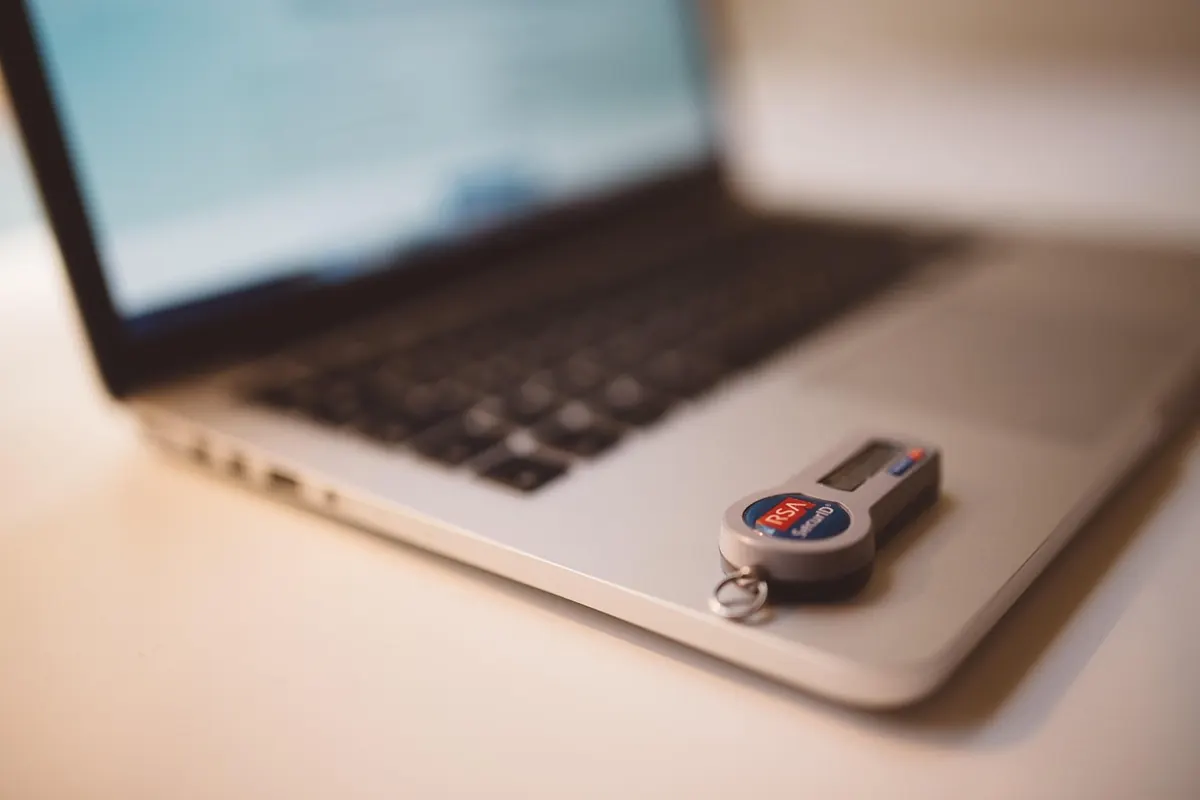
- Turn on two-factor authentication, using an authenticator app or a hardware key where offered. Text messages are better than nothing but vulnerable to number porting and interception.
- Save recovery codes offline. Print them or write them down. Losing access to an email account is a much bigger problem than forgetting a password.
- Clean up gradually. Most managers include a health report showing reused and weak entries. Fix a few each week as you log in rather than trying to change everything in one sitting.
A small practical note: whatever you choose for storage, keep the recovery path somewhere that does not depend on the device you are trying to recover. And if you manage credentials for a business, check whether your insurance or compliance obligations require specific handling of admin accounts; that is a question for a qualified adviser, not a blog post.
Start With the Account That Resets Everything Else
If you do one thing after reading this, make it your primary email account. Give it a long passphrase you have never used anywhere else, add a second factor, and save the recovery codes. From there, work outward: banking, work, then the rest of your list. Every account you convert to a unique password or a passkey removes one thread that an attacker could pull on. The habits behind most breaches are boring, and so are the fixes, which is exactly why they work.
Photo: gabrielle_cc / Pixabay